Work with the combined flight and duty timeline
Goal
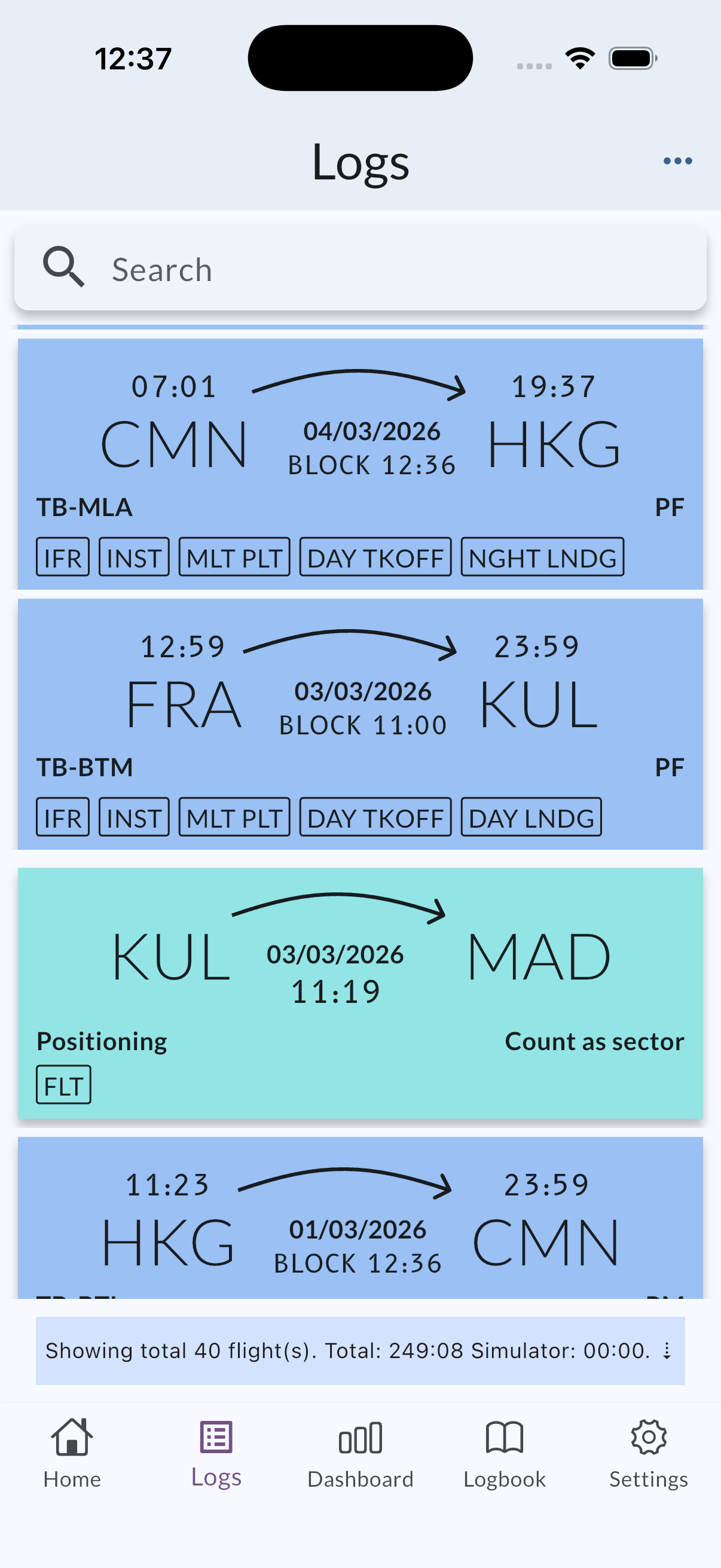
Use the Logs timeline to review flights and positioning duties together, open details for a row, and—when selection mode is available—act on multiple entries.
Opening details
- Tap a flight row to open that log’s detail flow (unchanged from earlier MyLog versions).
- Tap a positioning row to open the positioning detail screen. From there you can review the record or continue to edit on the positioning screen.
For a fuller overview of positioning fields and sector behavior, see Positioning duties.
Selecting multiple entries
When multi-select (or bulk actions) is active on the timeline, selected rows can include positioning entries where the app allows it— for example to delete more than one item at once, with confirmation. If you do not see selection controls, your current view or app state may not be in that mode; use per-row actions from detail instead.