Set or update monthly targets
Goal
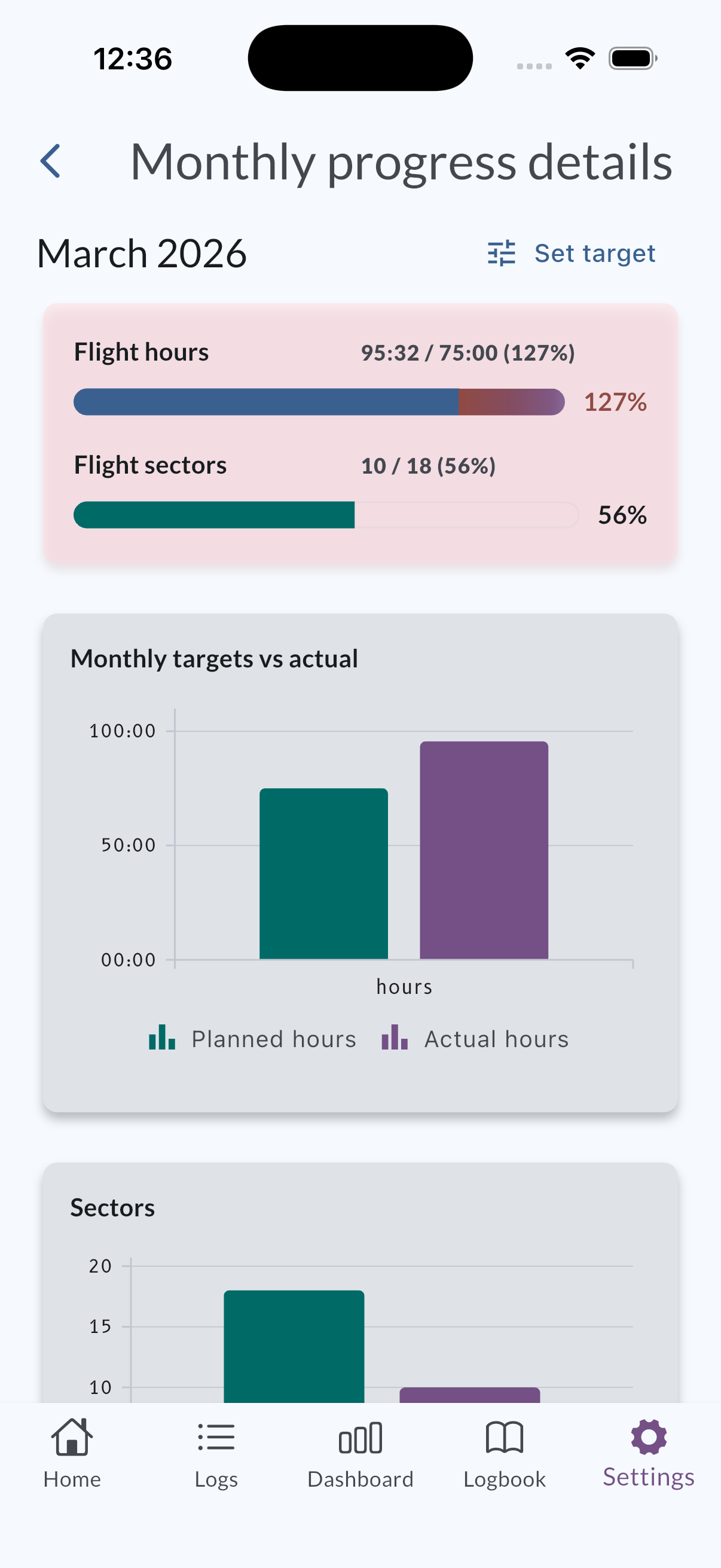
Change planned flight hours and, when your account uses sector tracking, planned sectors for the current month (or the month shown in progress) using the in-flow editor from Monthly progress details.
Steps
- Open Home and locate Monthly progress for the month you want.
- Open Monthly progress details for that month (the same entry point you use to see the expanded charts).
- Tap Set target (or the equivalent label in your language) to open the target editor.
- Enter the planned hours and, if shown, planned sectors for the period.
- Save and return to the details screen to confirm planned versus actual updates.
tip
If you do not see sector targets, monthly sector tracking may be turned off. Check MyLog Settings.