Flight Crews
Flight Crews screen under Offline Data Management in Settings allows you to manage your flight crews. You can add, edit or delete a flight crew from this screen.
Adding New Flight Crew
To get more information about adding new flight crew you can visit Adding New Flight Crew page.
Filtering Flight Crews
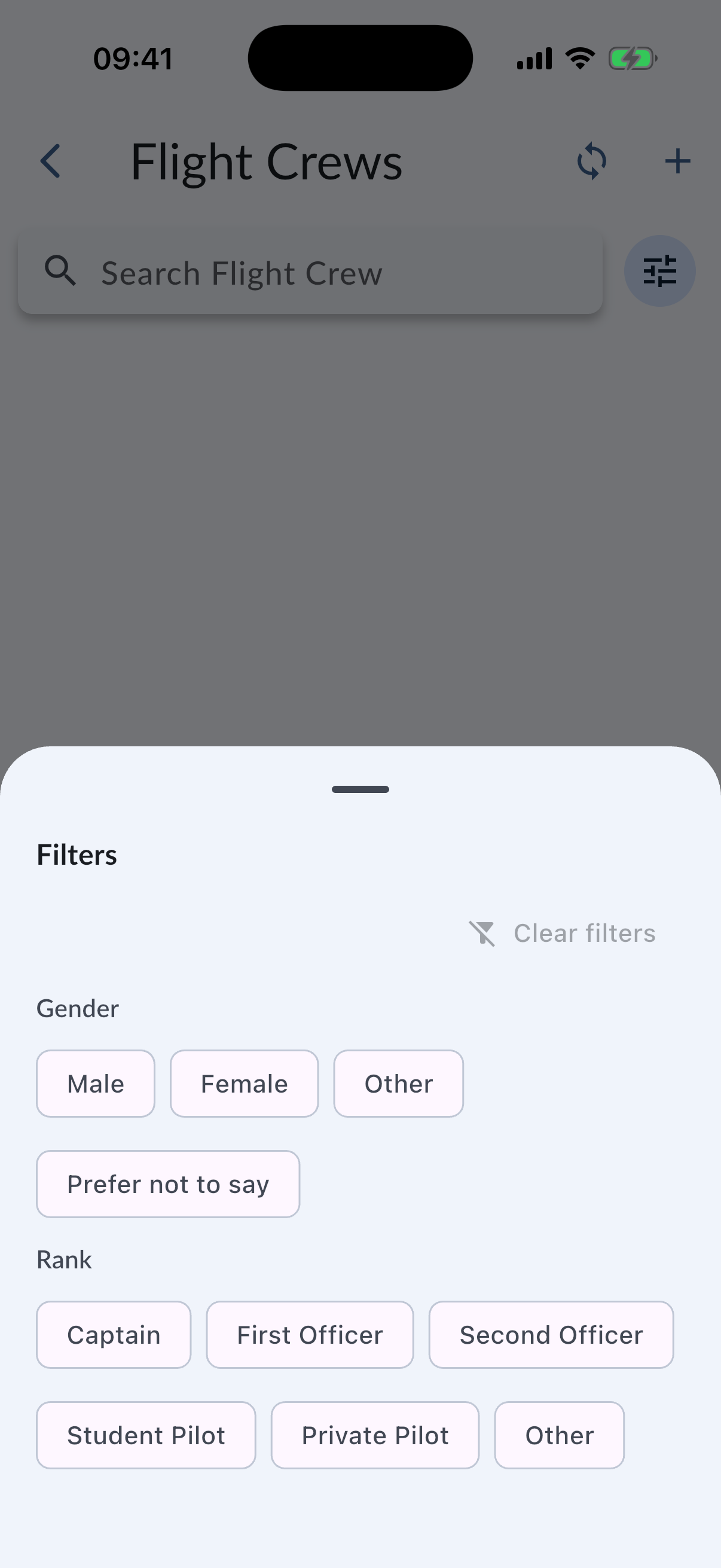
The Flight Crews list can be filtered by gender and rank, in addition to search. Use the filter button on the Flight Crews screen to narrow the list, then combine active filters with search when you need to find a crew member faster.
Active filters are shown as chips and can be cleared when you want to return to the full list.
Updating Flight Crew Information
To update a flight crew information, tap on the flight crew you want to update. You will see details screen which you can view the details of crew. To update those information tap the edit button on the right corner. Then you can update the information and tap Save button.
Deleting Flight Crew
Swipe to Delete
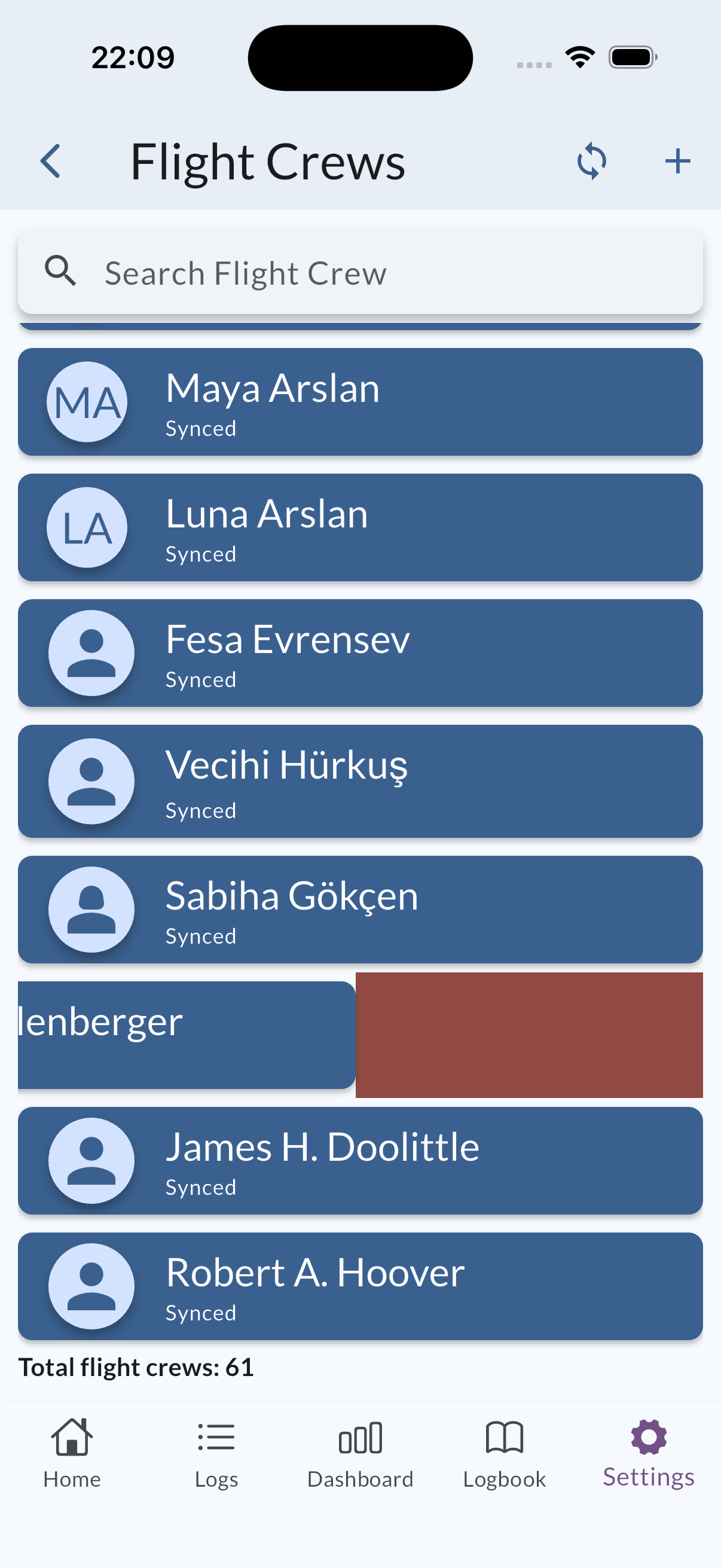
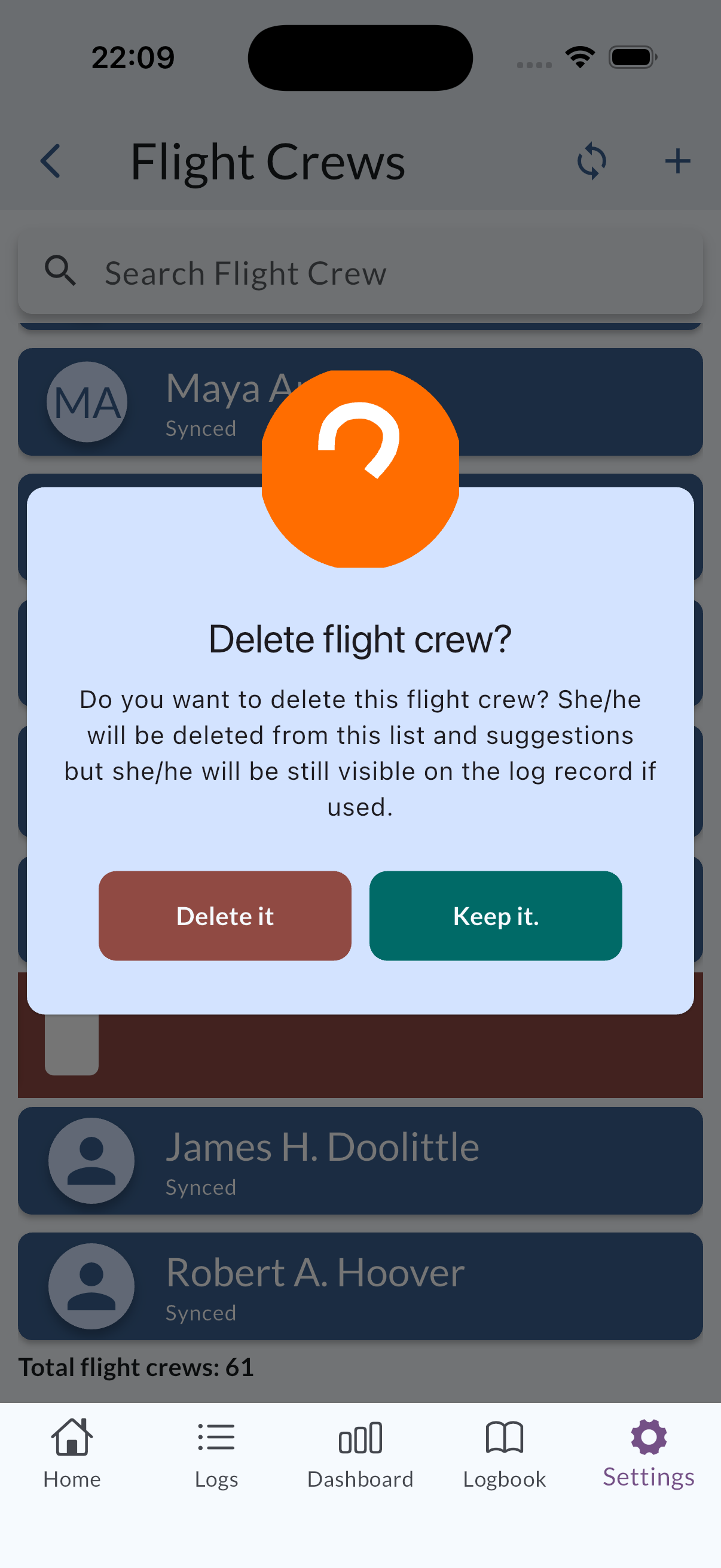
You can swipe left or right on a flight crew to delete it.
Delete Button
Find the crew you want to delete and tap to reach detail page then you can tap Delete this crew button at the bottom of the screen.
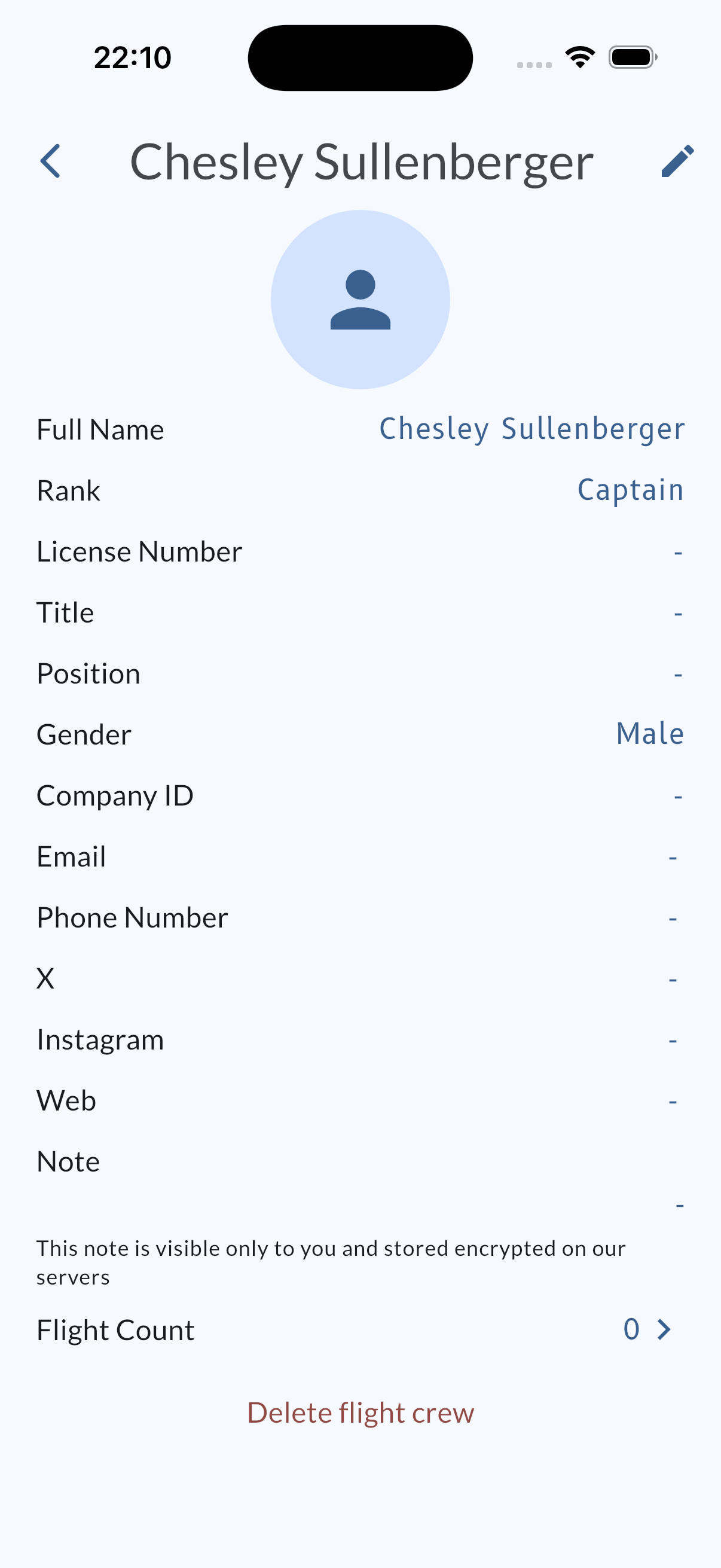
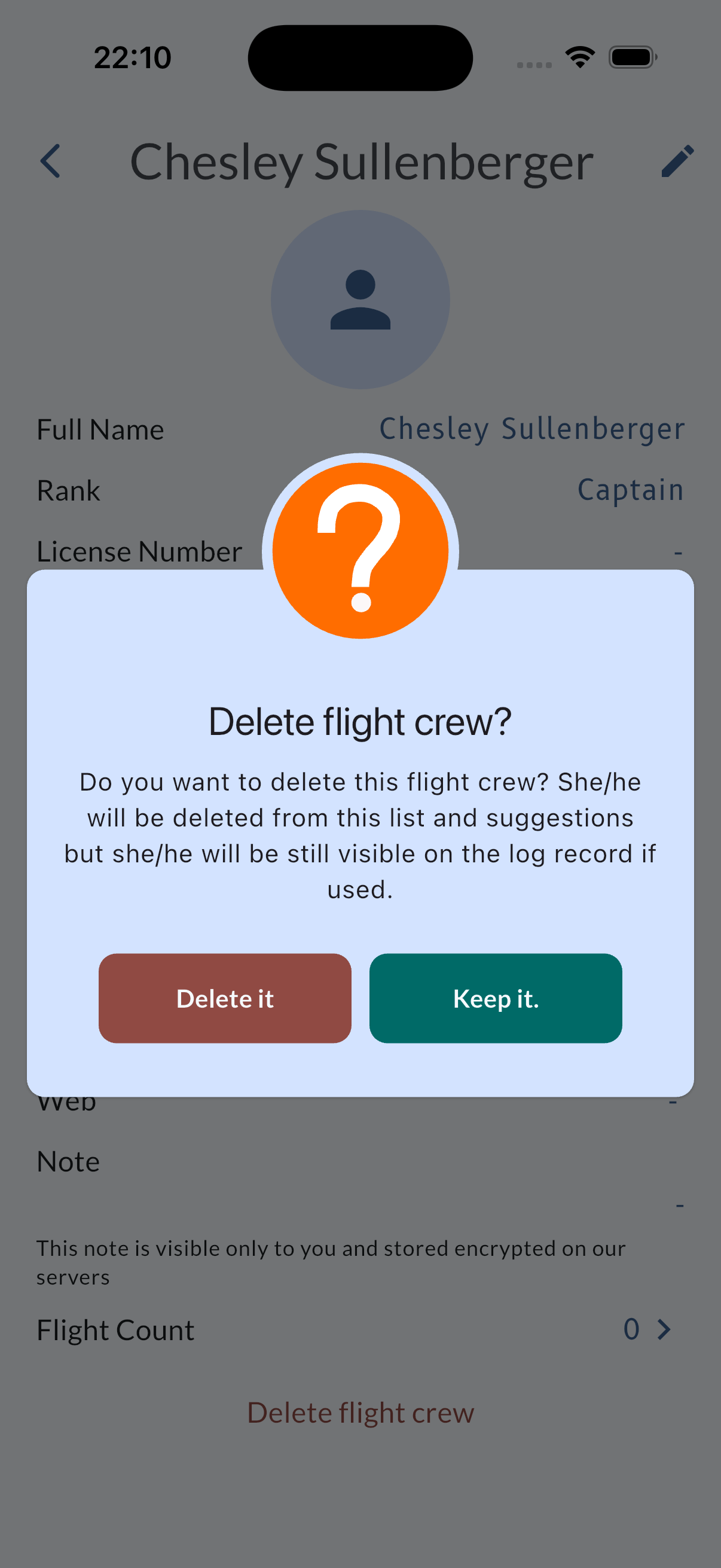
Deleting a crew will not delete the logs that are associated with this crew and will not delete the information from the logs.