First-launch setup
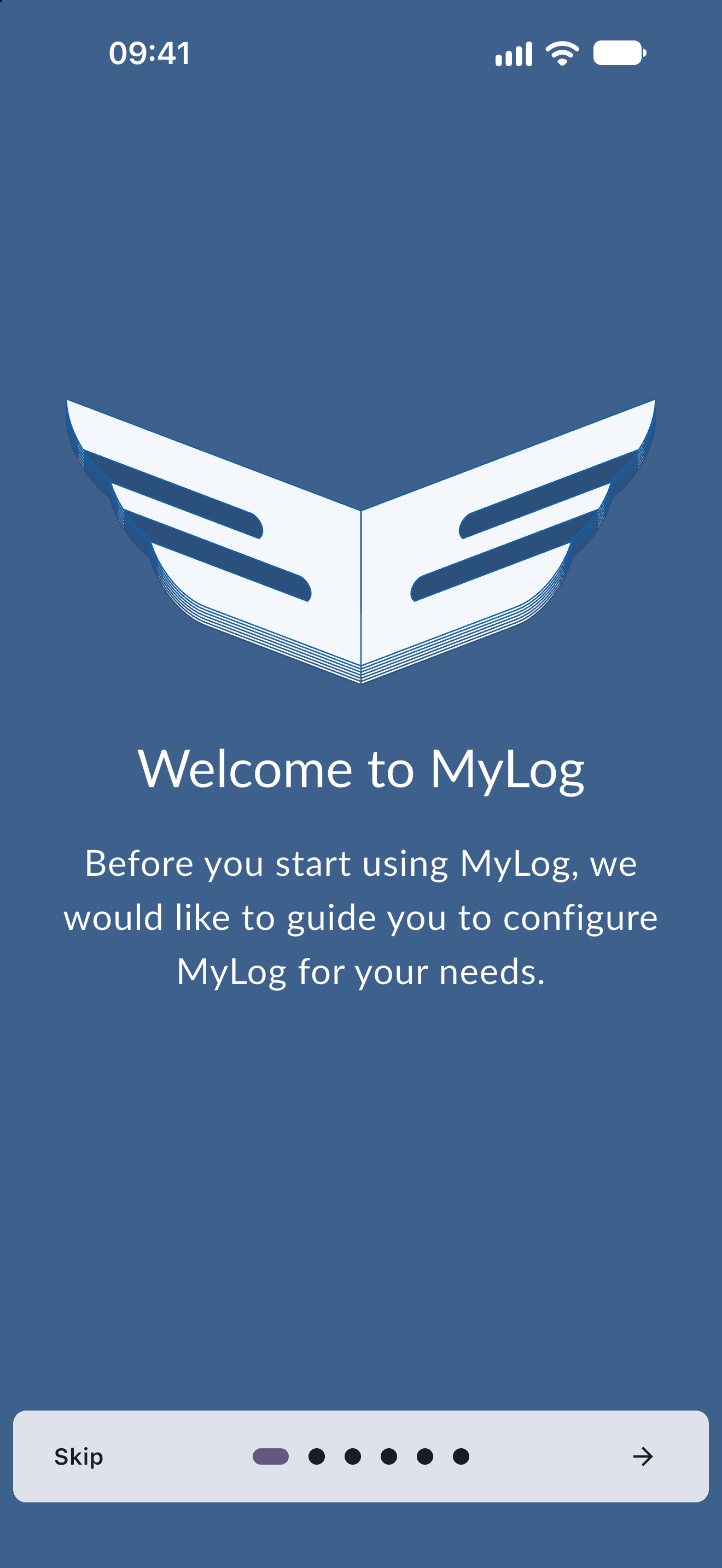
The first time you open MyLog after creating an account, a short guided setup helps you configure the app for the way you fly. You can fill in every step, skip the rest at any time, and change all of these settings later.
How the setup works
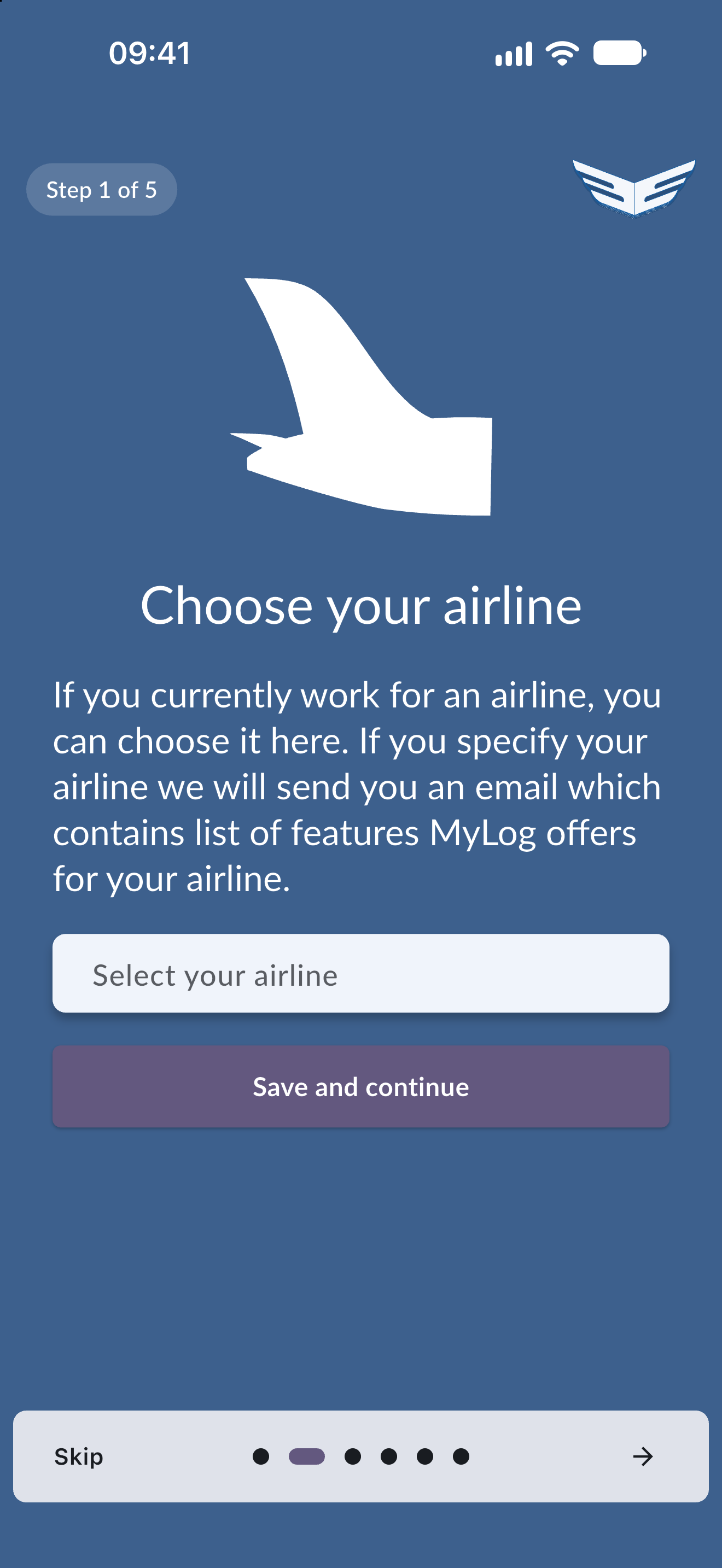
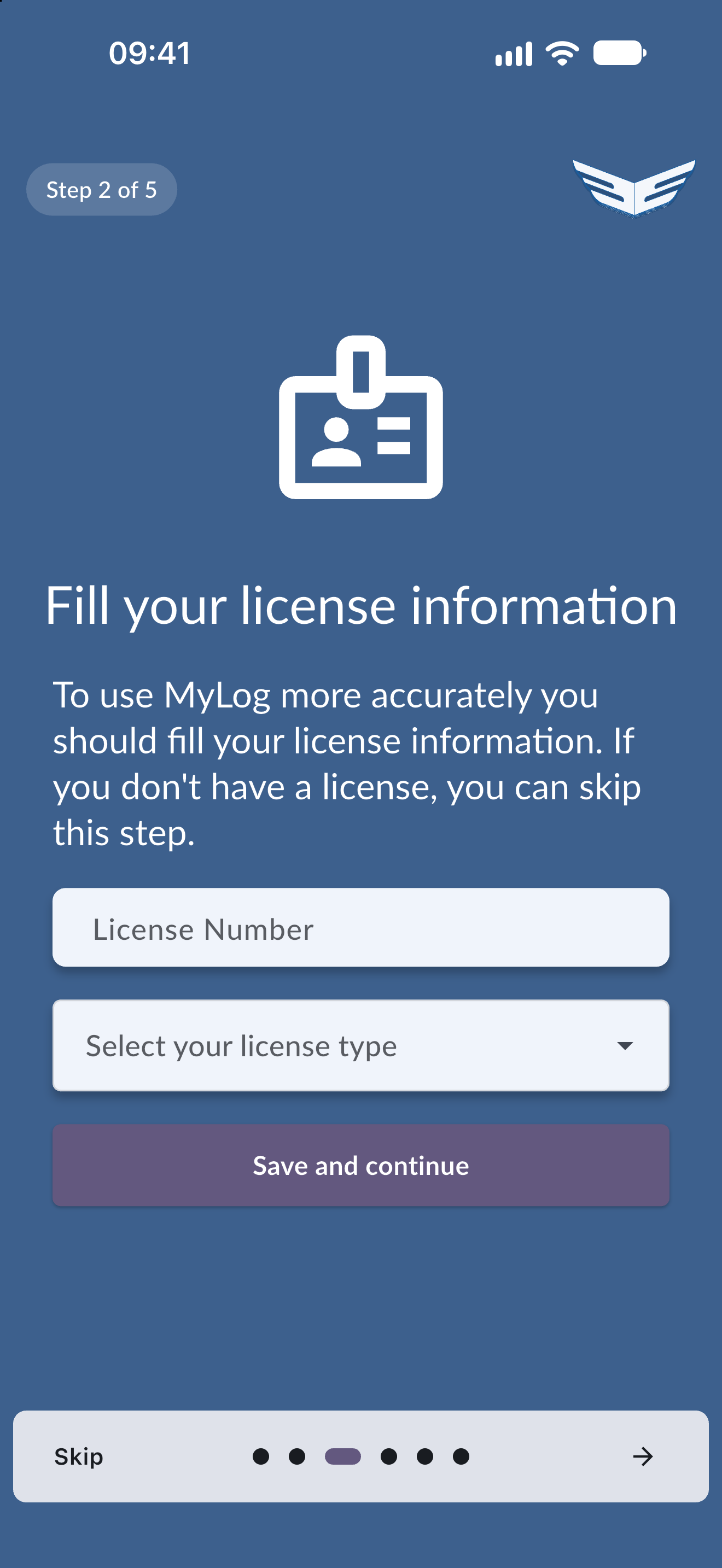
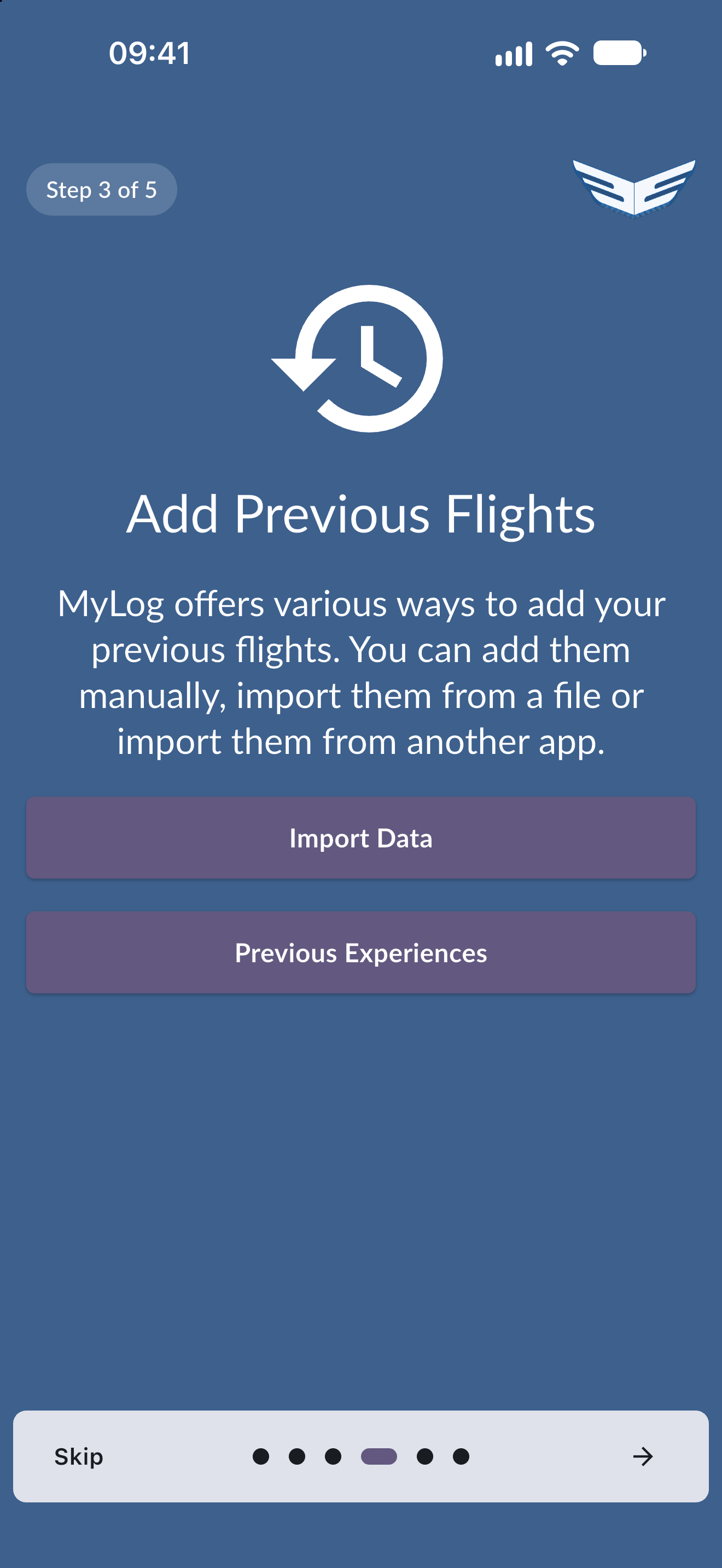
- A step counter at the top (for example "Step 2 of 6") shows where you are.
- Swipe or use the arrows to move between pages.
- Tap Skip to jump straight to the last page. You do not need to complete any step.
- Steps that save information have a Save and continue button. MyLog confirms when your choice has been saved.
The setup appears only once. After you finish or skip it, MyLog opens your Home screen and does not show it again.
The steps
- Welcome: introduces the setup.
- Airline: choose the airline you work for. If you specify an airline, MyLog sends you an email that lists the features available for your airline. This step may not appear if your profile already has an airline.
- Base airport: choose your base airport. MyLog then shows your statistics more precisely and starts new logs from your base. This step may not appear if your profile already has a base. You can change it later in Profile.
- Licence: enter your licence number and type. You can skip this step if you do not have a licence. It appears only when your licence details are missing.
- Logbook type: choose the format you log flights in and the format you see your logbook in.
- Previous flights: add flights you flew before MyLog. Choose Import data to bring them in from a file or another app (see Smart Import), or Previous experiences to enter your earlier totals.
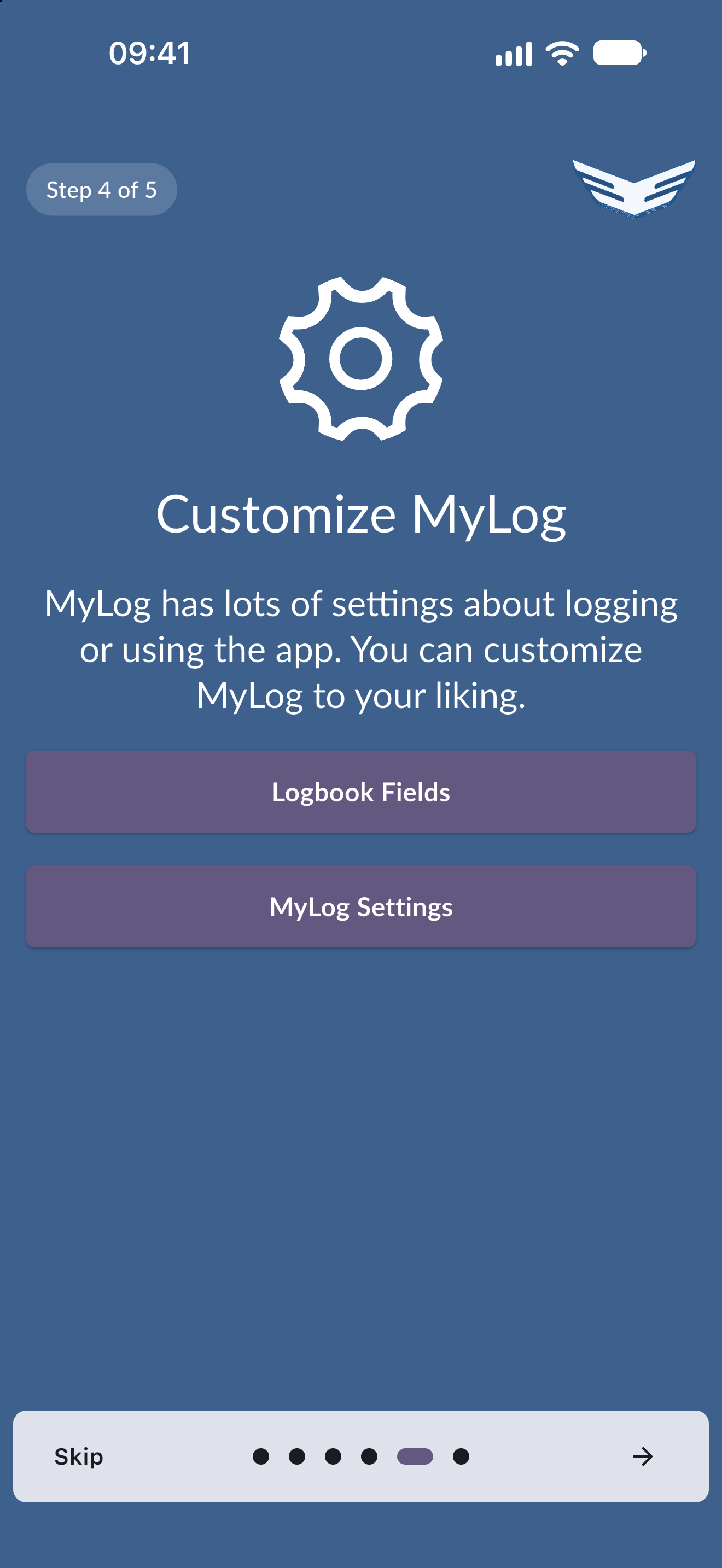
- Customize MyLog: choose Logbook Fields or MyLog Settings to adjust what you log and how the app behaves.
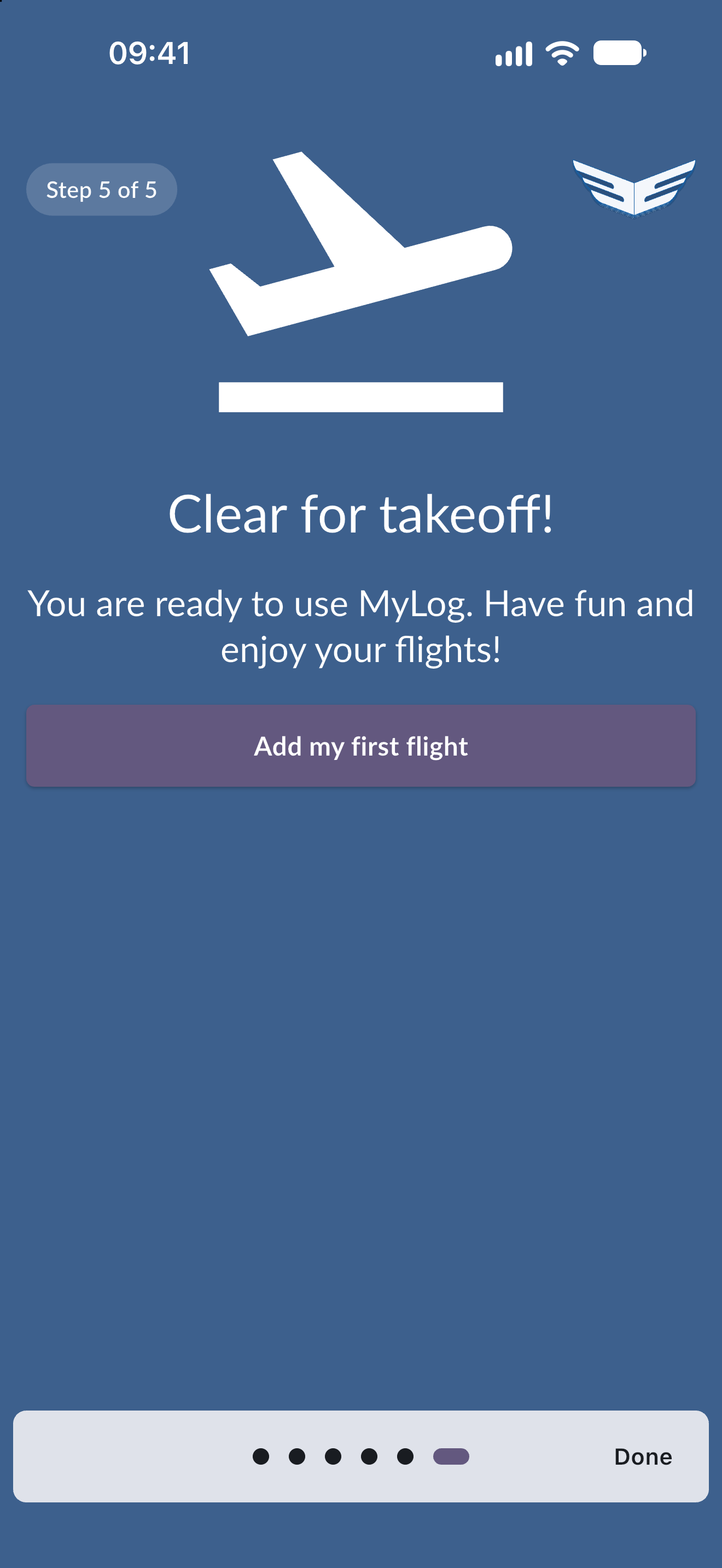
- Clear for take-off: the last page, with the Add my first flight button.
Add your first flight
On the last page, tap Add my first flight to open the flight form straight away. See Log a flight for the form.
If you tap Done instead of Add my first flight, MyLog goes to your Home screen. On a free account it first shows the Premium offer.
A free account can log up to 100:00 hours. If you have already reached that limit, for example by importing flights during the setup, Add my first flight shows the Premium offer instead of the flight form.
Tips
- You do not have to finish the setup now. Every choice can be changed later in Settings or Profile.
- If you plan to import your old logbook, use the Previous flights step before adding new flights so your totals are right from the start.