View Profile
When you open your profile screen, you can view your profile information. You can see your name, email, rank, company, license number, license type, airline, and membership type.
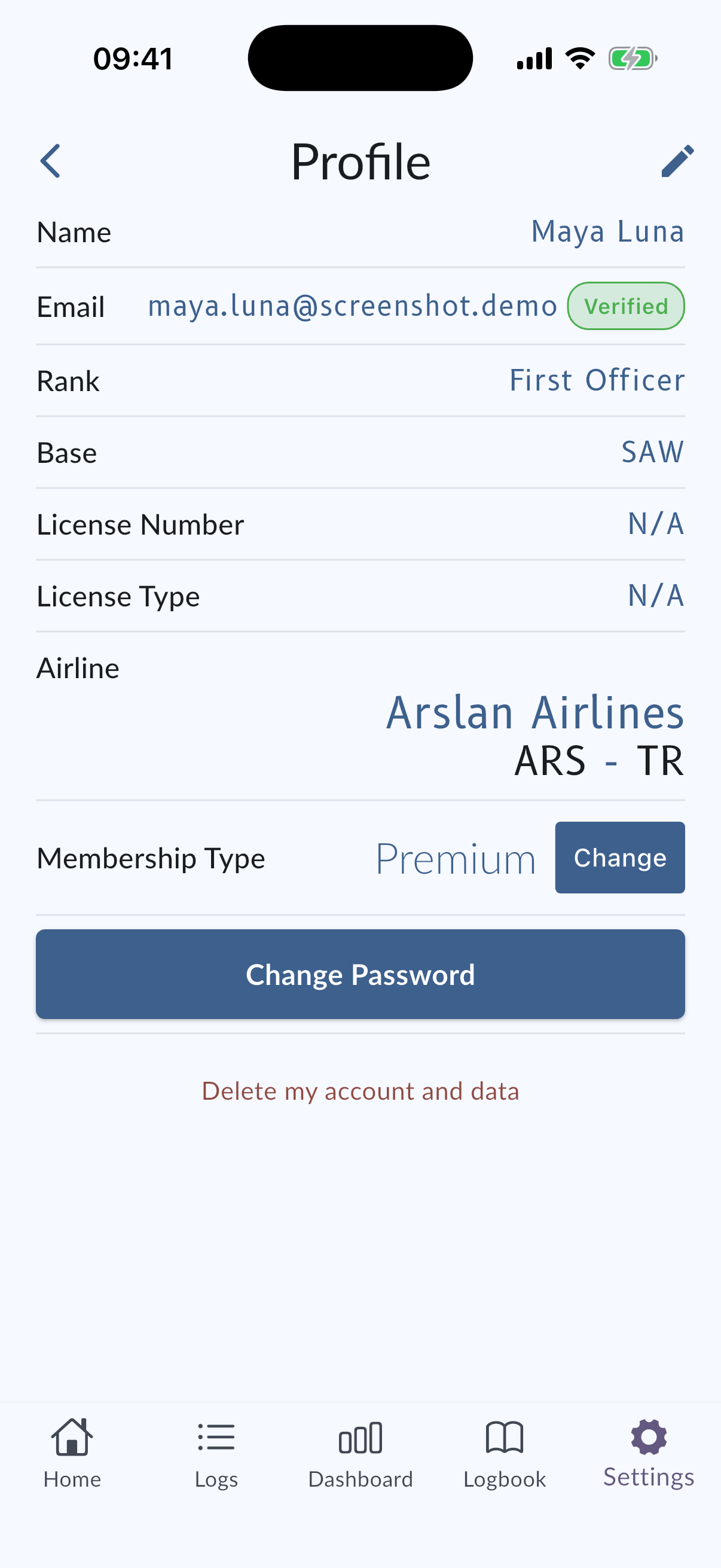
Email verification status
MyLog can show whether your account email is verified.
If your email is not verified, or if MyLog detects that the email may need attention, you may see a warning banner or a status indicator on the profile screen.
Use the available verification action to send or resend a verification email when needed.
Edit Profile
To edit your profile information, tap Edit in the top-right corner of the screen. You can change your name, email, rank, company, license number, license type, airline, and membership type.
You can read more about editing your profile in Edit Profile.
Change Password
To change your password, tap Change Password at the bottom of the screen. You can read more in Change Password.
Delete Account
If you want to delete your account, tap Delete Account at the bottom of the screen. You can read more in Delete Account.
Change Subscription Type
Use the membership or subscription area on your profile to review available subscription options.