Login
If you already have a MyLog account, you can log in to MyLog with your email address and password, or with your Google or Apple account.
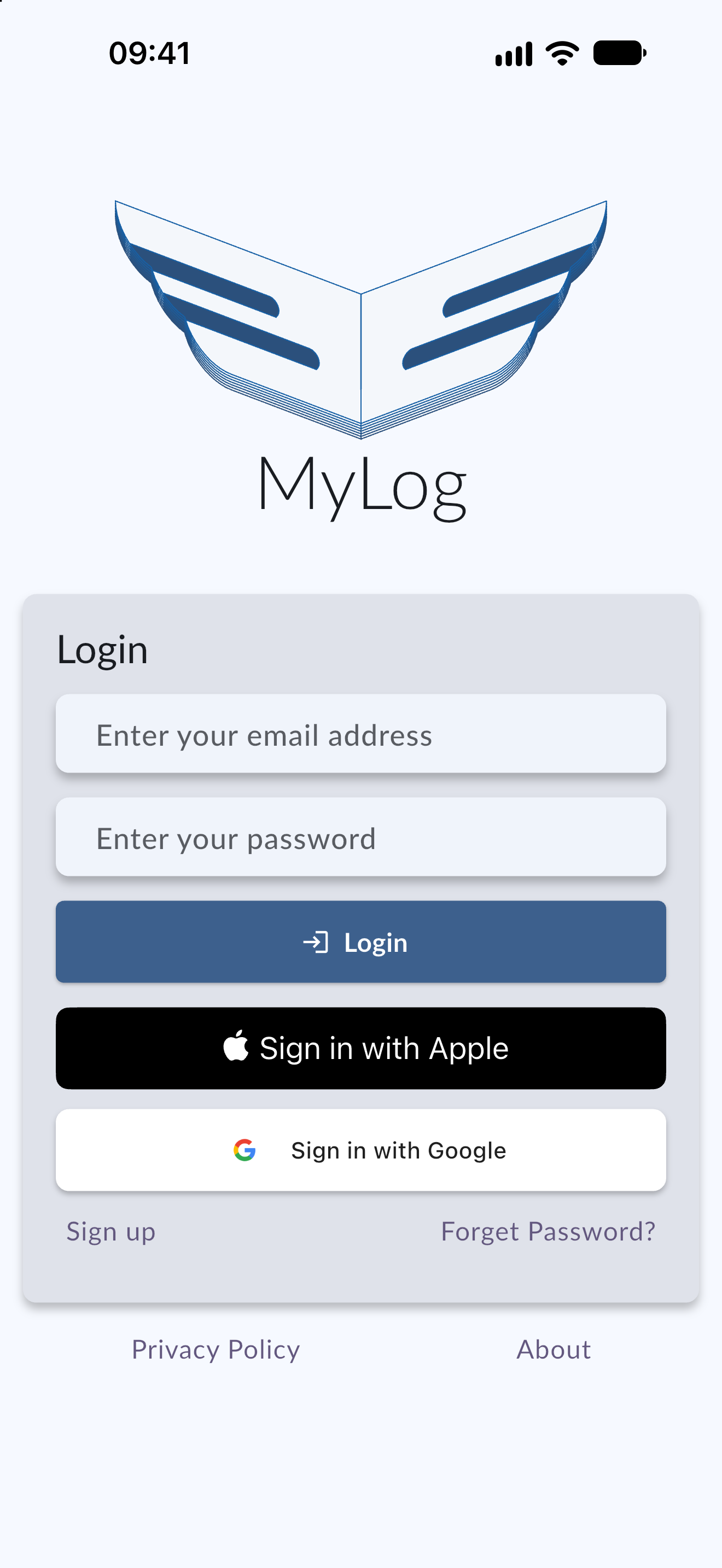
Login with Email
- Open MyLog on your device.
- Enter your email address and password.
- Tap Login.
Login with Google
You can log in with your Google account.
- Open MyLog on your device.
- Tap Sign in with Google.
Login with Apple
You can log in with your Apple account.
- Open MyLog on your device.
- Tap Sign in with Apple.
Link Apple or Google to your existing account
If you created your MyLog account with your email address and later sign in with Apple or Google, MyLog can link that sign-in method to your existing account when the email address is verified. You keep the same logbook and data, and you can use either method to log in afterwards.
If MyLog cannot link the accounts, it shows an account-linking message that explains what to do next.
If login does not work
The Apple and Google buttons show a loading state while MyLog signs you in. MyLog shows a separate message for each situation, so you can tell what happened:
- Sign-in cancelled: you closed the Apple or Google sign-in without finishing it. Tap the button to try again.
- Network error: check your internet connection and try again.
- Account linking error: the sign-in could not be linked to an existing account. Log in with your email address and password, or contact support.