MyLog 2.6.0 Update

MyLog 2.6.0 is one of our biggest updates so far. This release brings Smart Import, expanded flight school integrations, Monthly Progress Tracking, Positioning logs, stronger Dashboard insights, better document handling, platform integrations, Resume Builder, and many improvements across the app.
Watch the MyLog 2.6.0 release video on YouTube
Smart Import
Importing data into MyLog is now simpler.
With Smart Import, you can upload a supported file and let MyLog detect the format when possible. Smart Import supports files such as Excel, PDF, JSON, and logbook export formats. If a file is not recognized immediately, MyLog may try to understand the file and ask you to review field or column matching before importing.
Smart Import also includes live progress, import history, downloadable error files, and support for files shared to MyLog from the operating system share menu.
Flight school integrations
Flight school integrations are now a bigger part of the MyLog workflow.
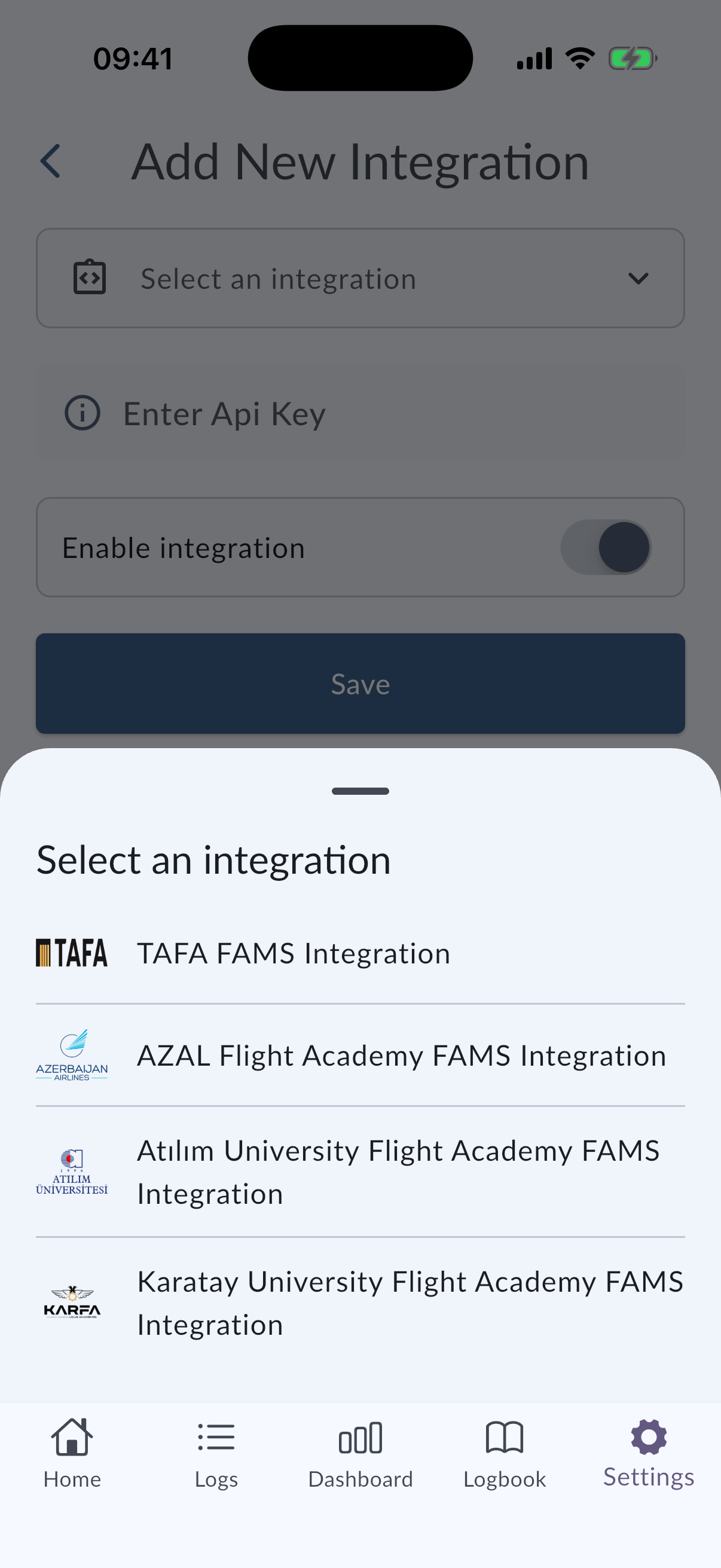
MyLog 2.6.0 adds FAMS support for AZAL, Karatay University, and ATILIM University flight schools. Supported students can connect their school integration and import flight records directly into MyLog.
The Add Integration screen was also redesigned, making supported integrations easier to find and start.
Monthly Progress Tracking and Positioning logs
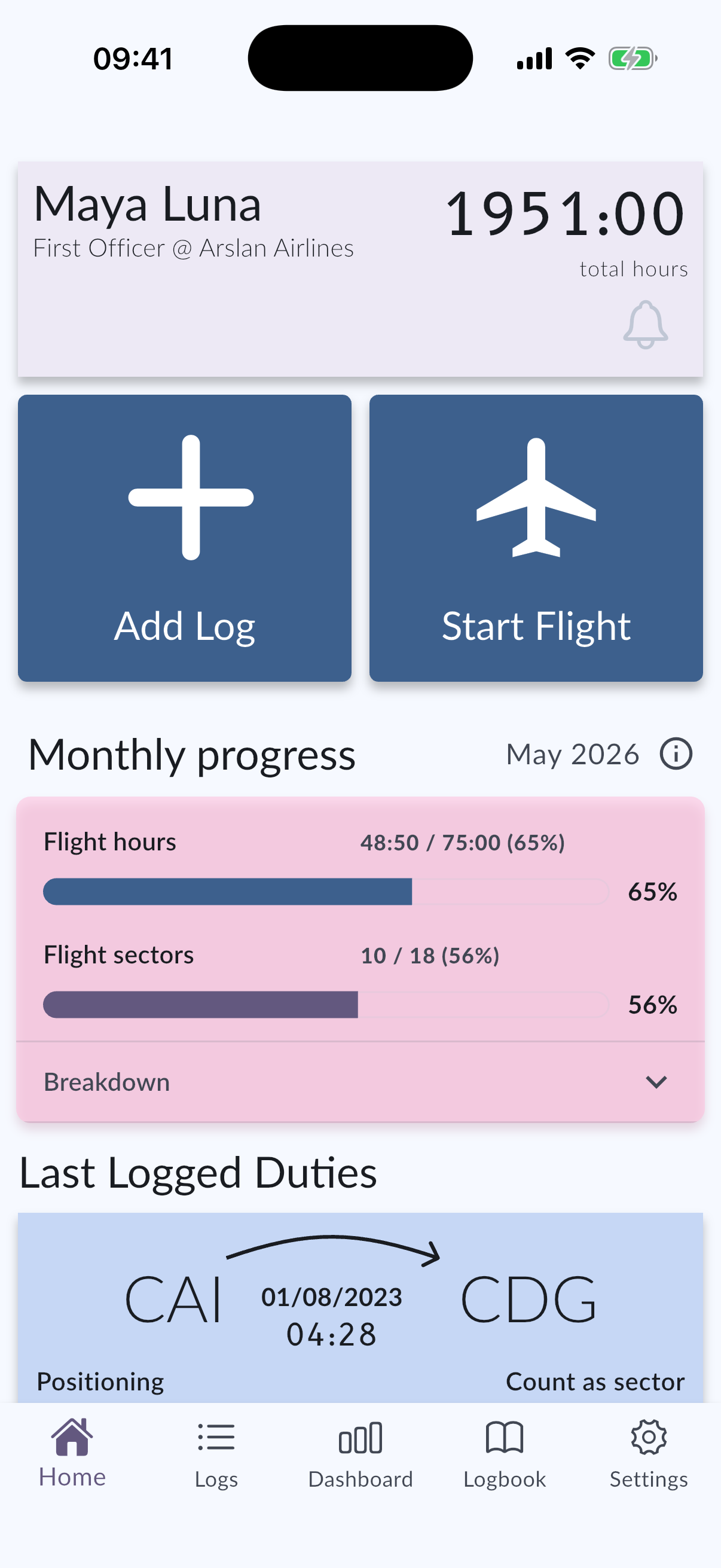
You can now track planned versus actual monthly progress directly in MyLog.
Set planned monthly flight hours and, when sector tracking is enabled, planned sectors. MyLog compares your logged activity against those targets during the month. You can also review previous months, delete entries when needed, and use refreshed share visuals.
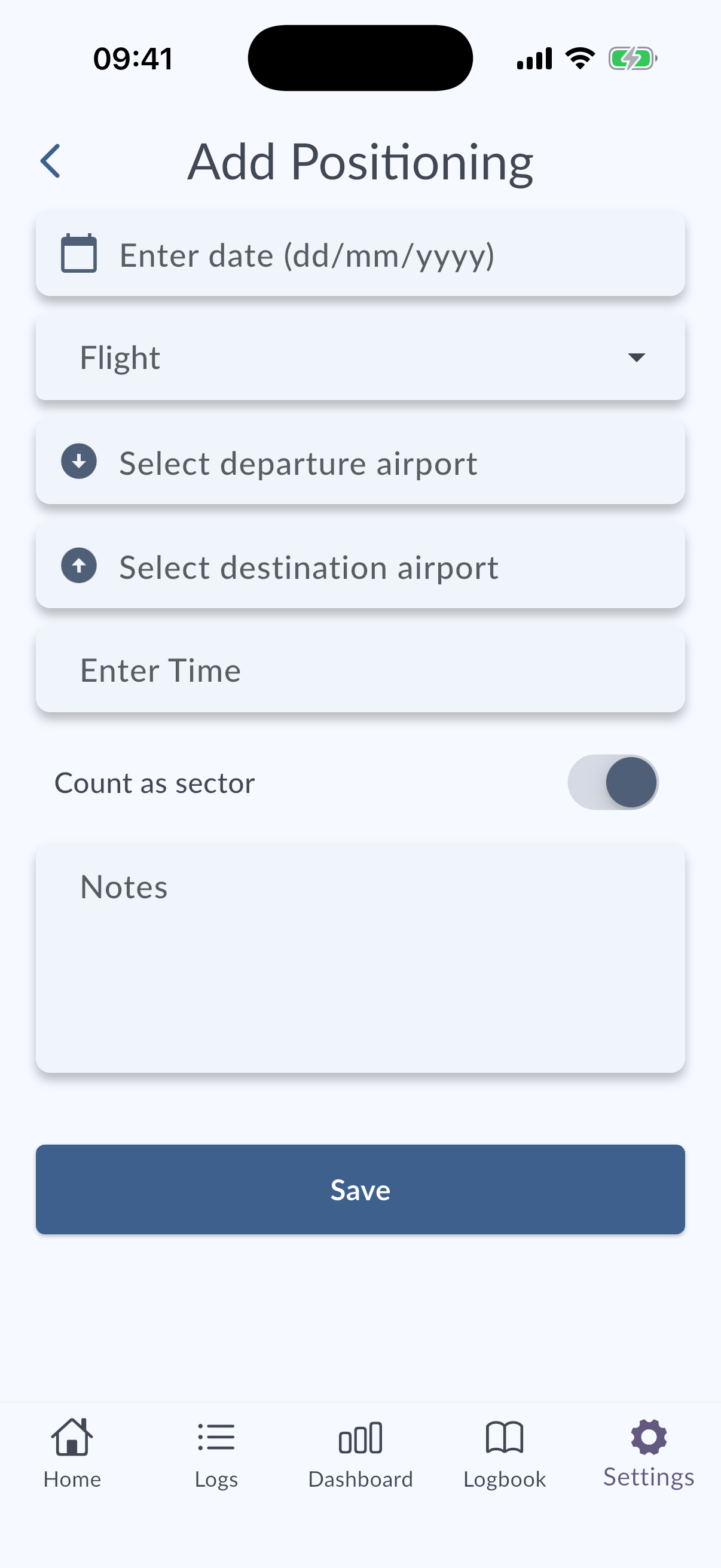
Positioning duties can now be recorded alongside flights and simulator sessions, so your timeline better reflects your real duty history.
A more useful Dashboard and Logbook
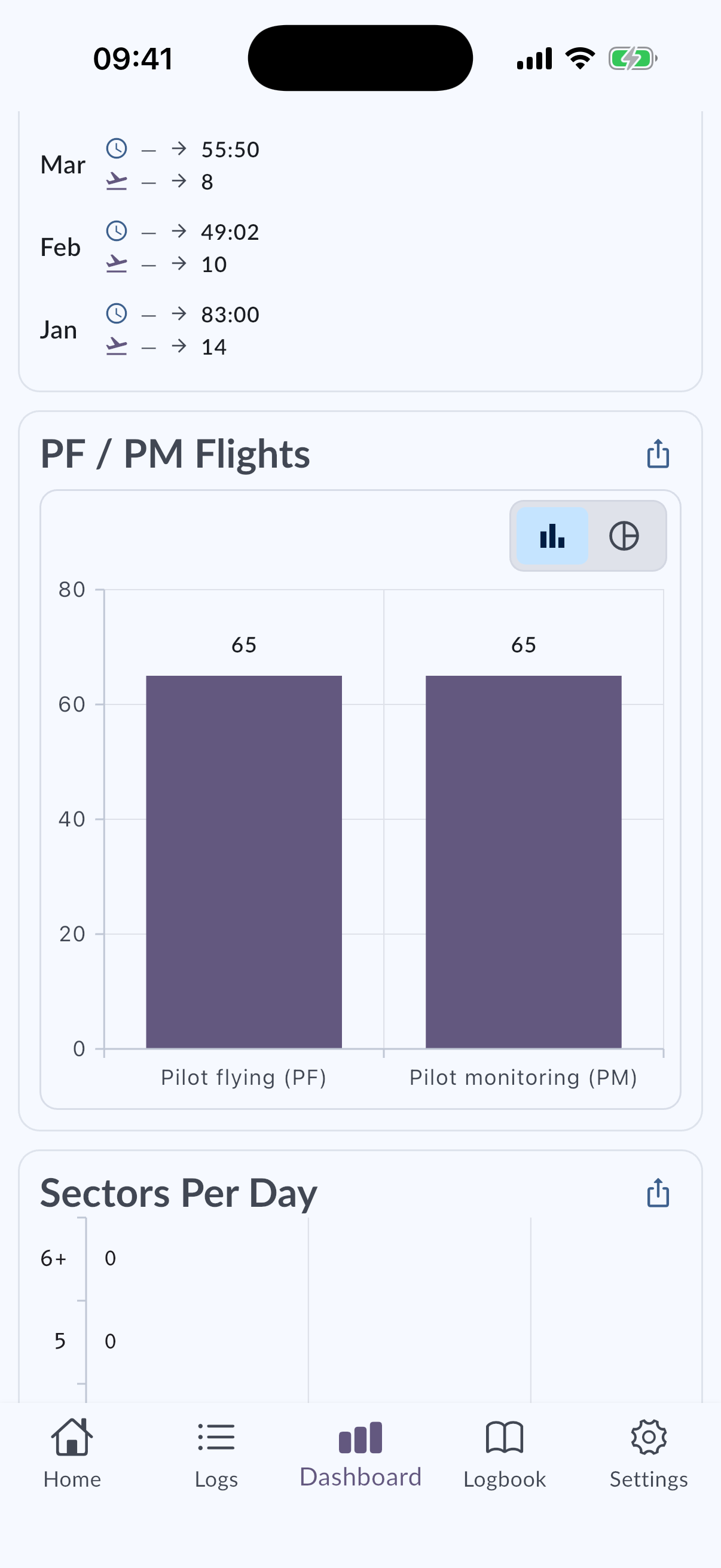
Dashboard now includes new ways to understand your flying:
- PM/PF counts.
- Sector summaries.
- Sector counts by UTC day.
- Timeframe controls and custom ranges.
- Shareable widget images.
Custom ranges can also be open-ended, such as Since Beginning or Until Now, and date fields in Custom Range sheets now support manual entry.
Logs and Logbook filtering also improved with clearer AND / OR behavior, automatic filter suggestions, and Logbook-wide filtering across all records.
Crew Documents
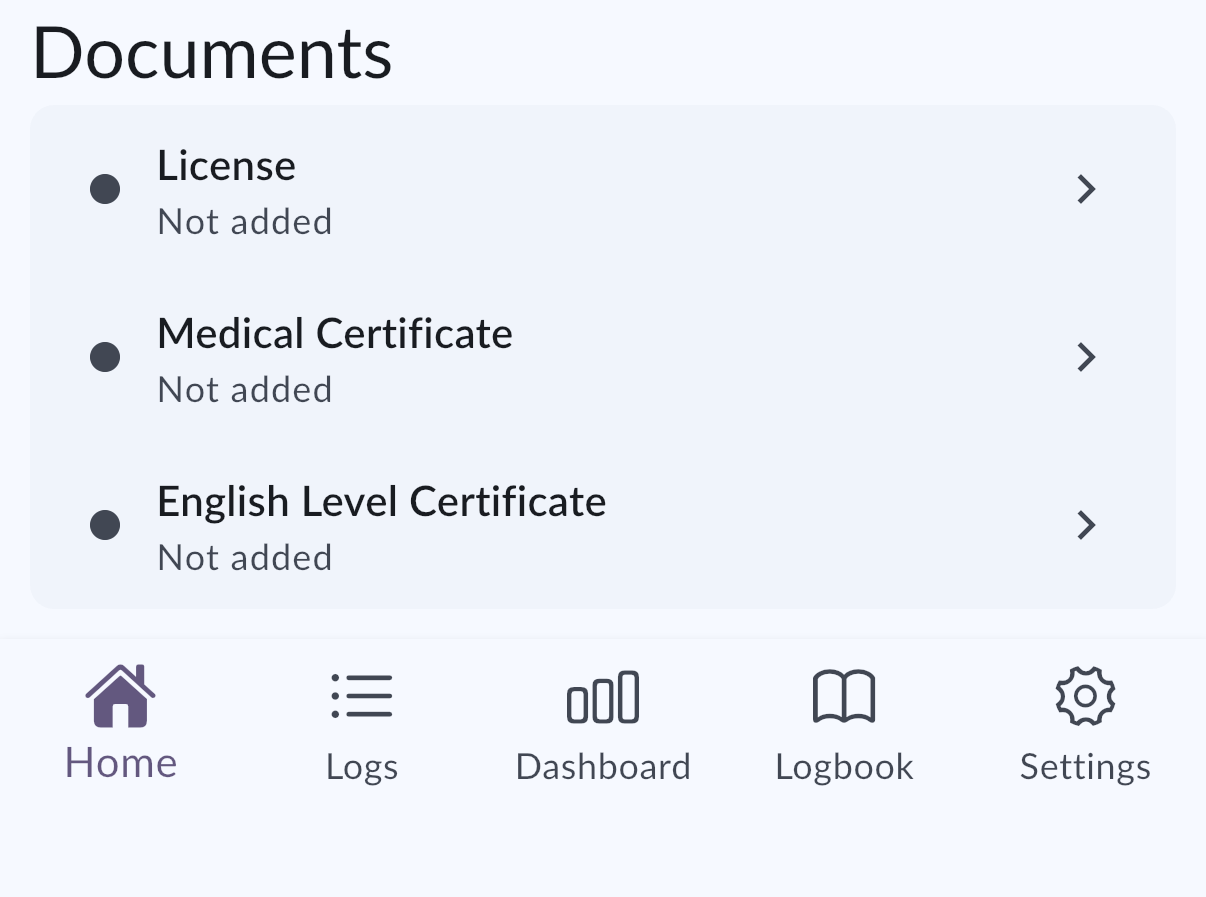
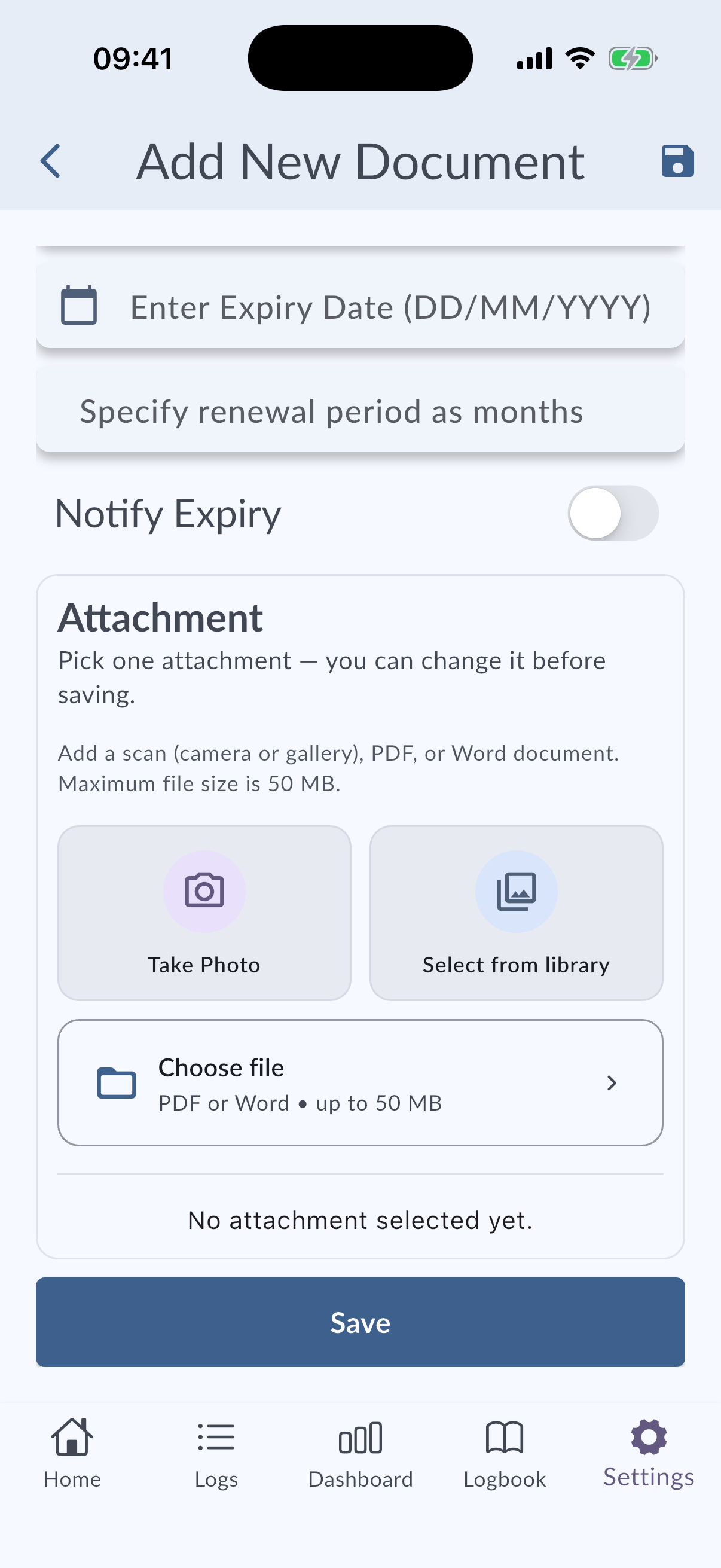
Crew Documents now supports PDF attachments in addition to photos.
This release also adds richer document-type details, expiry tracking on Home, expiry notifications, and direct links to document details from supported notifications or emails.
Platform integrations
MyLog is now easier to reach from system surfaces.
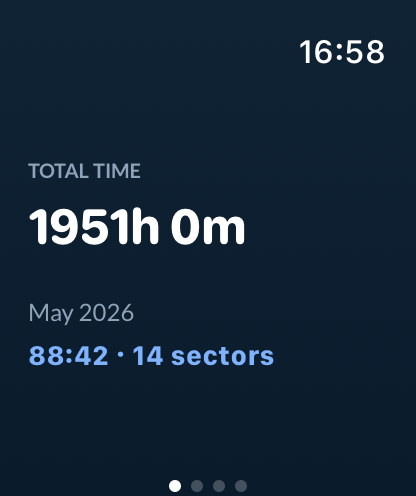
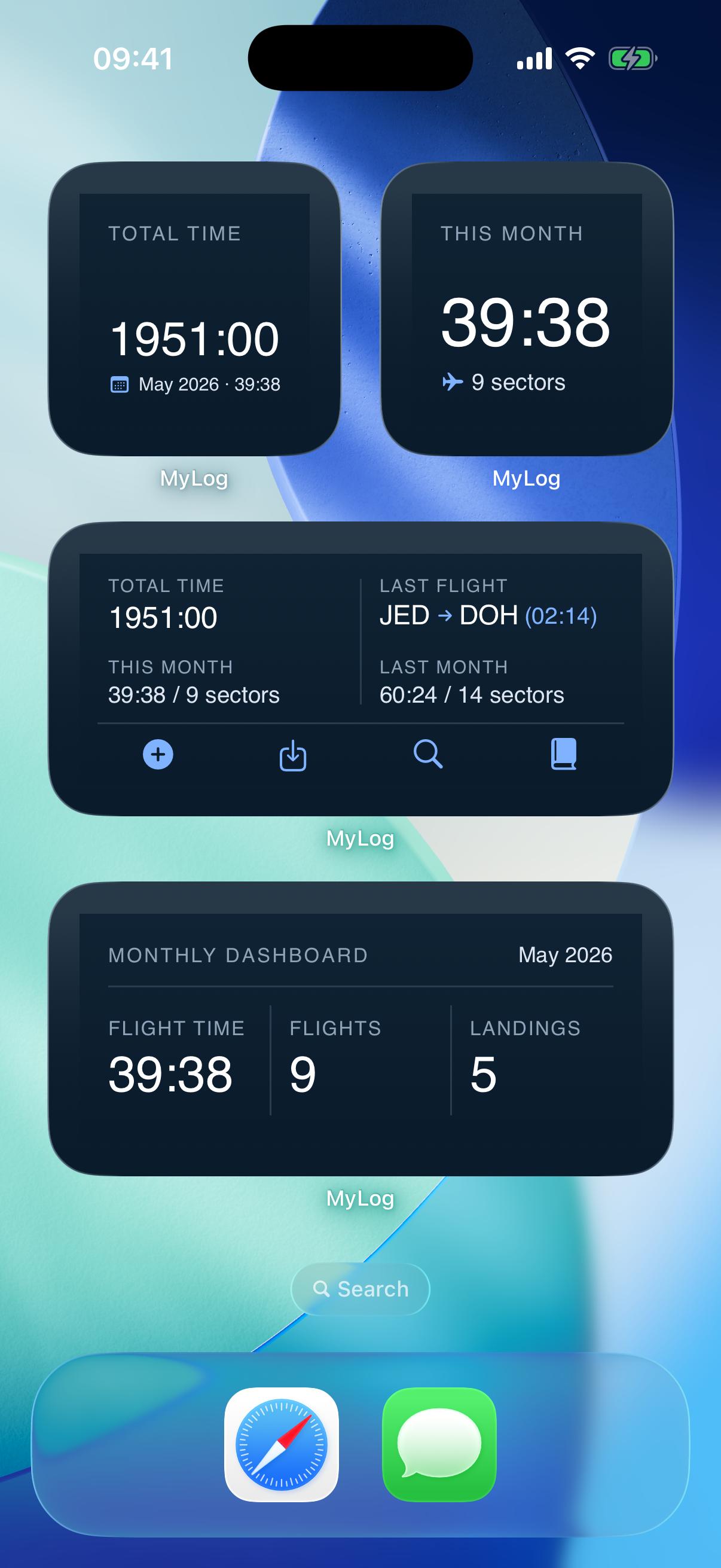
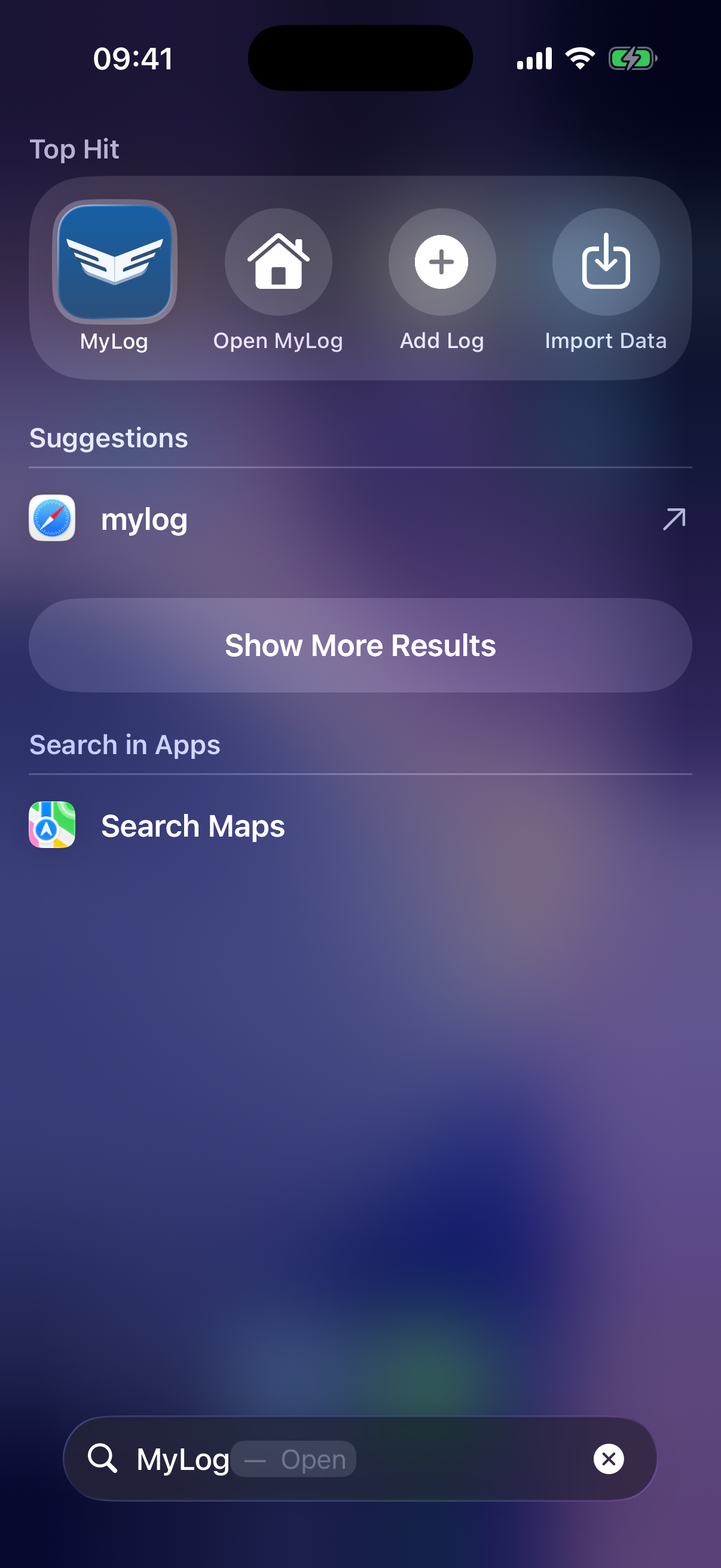
This release adds or improves widgets, quick actions, iOS shortcuts, Control Center actions, Siri, Spotlight, Live Activity, Dynamic Island, Apple Watch screens, and Capture Log from the share menu.
Resume Builder
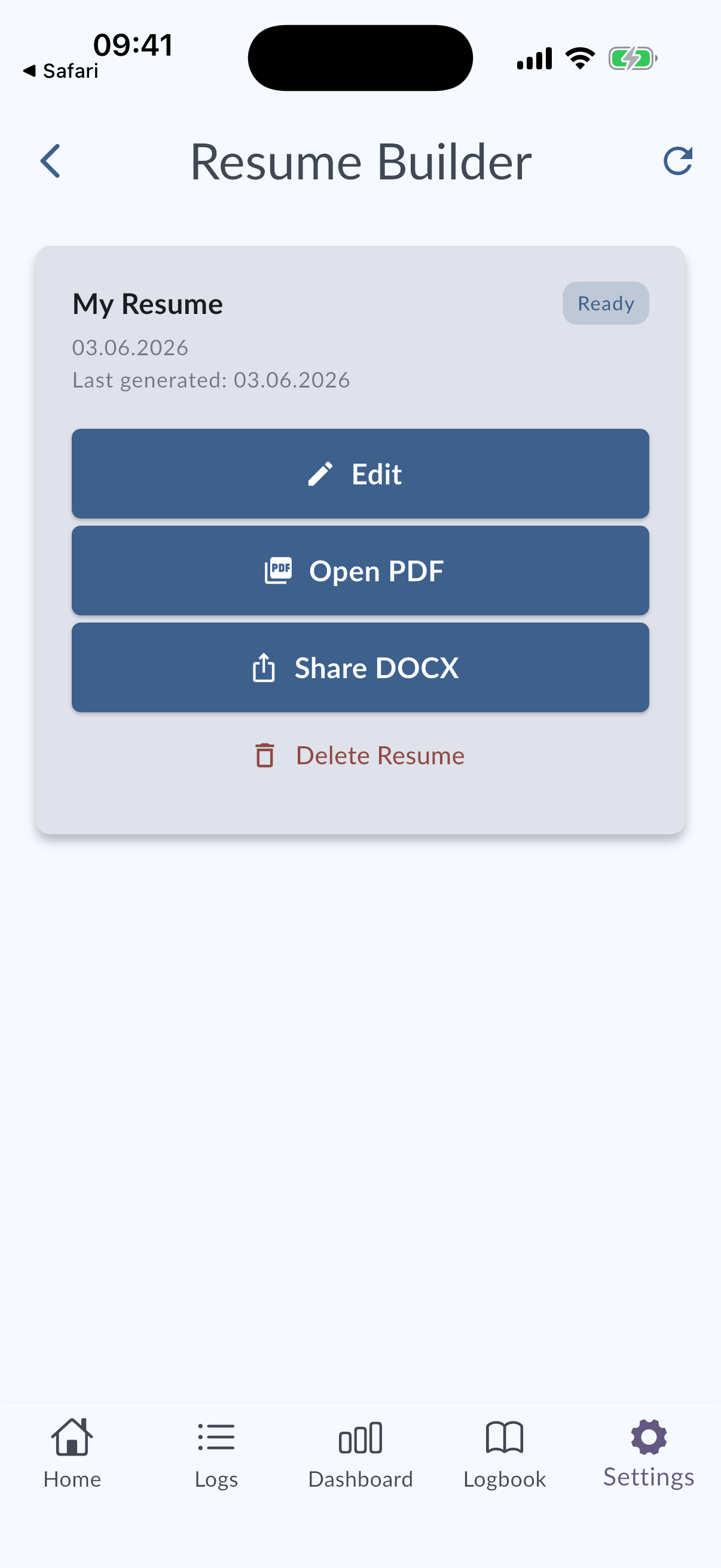
Resume Builder is available from Settings.
It helps create pilot job application documents from MyLog data plus a small amount of extra information. You can export the result as PDF or DOCX. Premium users can also use AI writing support for sections such as About Me and Cover Letter.
MyLog 2.6.0 also improves Employment and Education date entry and adds resume deletion support.
Other improvements
This release also includes:
- Refreshed app color palette.
- Better tablet layouts for several management screens.
- Improved Synchronization and offline behavior.
- About screen polish.
- Improved Settings / Flight Crew search and filtering.
- Android Google Auth and About screen fixes.
- Fixes for Dashboard values, widget rendering, Crew Documents links, log detail navigation, Start From Previous Airport, fonts, and more.
Detailed changelog
You can open the full release history from MyLog → Settings → Change Log.
You can also read the updated help pages from the MyLog Help Center.
Thanks for using MyLog.